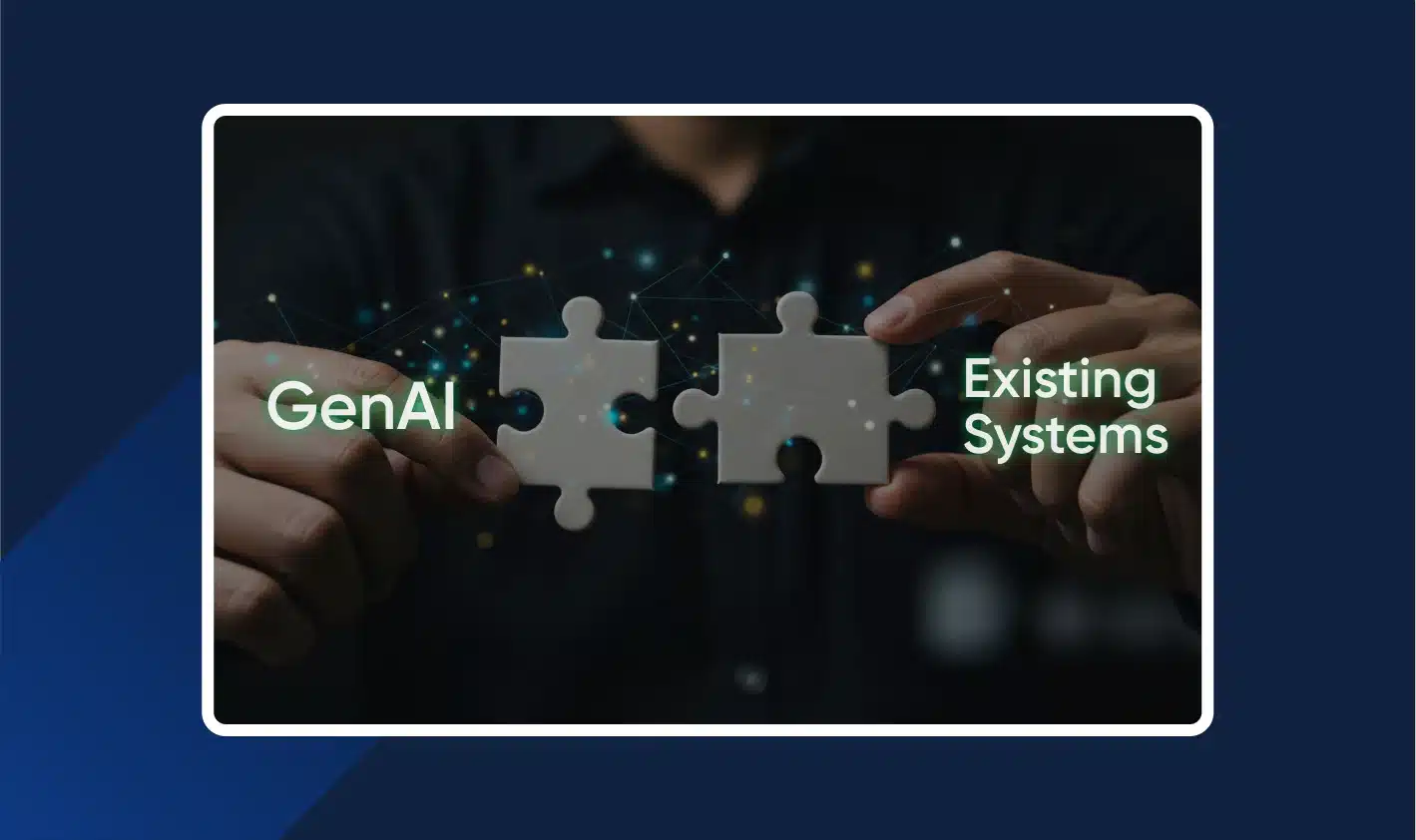
If you run a mid-sized company, you probably have a stack that feels “stuck,” but stable.
A CRM that sales depend on every day. An ERP that runs invoicing and closes. A few older apps that still hold key workflows together. They may not be pretty, but they pay the bills.
And that’s why “just replace it” is usually a non-starter.
Recent U.S. survey data shows 62% of organizations still rely on legacy systems (ERP, CRM, mainframes). The same data points to why rip-and-replace doesn’t happen: 50% say the current system still works, 44% cite budget limits, 38% worry about operational disruption, and 35% call out data migration risk. On top of that, 43% report security vulnerabilities in these systems, 39% say maintenance costs are high, and 41% struggle with incompatibility with newer tools.
The cost picture also explains the hesitation. Full replacements can run $150,000–$1M+ for ERP, and $50,000–$250,000 for CRM, with added fees for implementation, migration, training, and custom integrations. Replacement programs also carry a real failure risk (often cited in the 30–70% range for large change programs). That’s not the kind of bet most CTOs want to place for “maybe we’ll get value next year.”
So the real question becomes practical:
How do you add GenAI to legacy-heavy workflows without causing downtime, data leaks, or broken processes?
The three integration mistakes that cause pain fast
Teams don’t break systems on purpose. They break them because they take shortcuts under pressure.
Here are the patterns to avoid:
1) Letting GenAI write directly into systems of record.
This is risky because a wrong update in CRM/ERP/ITSM can spread fast and is hard to trace and reverse.
2) Building a “side tool” that sits outside the workflow.
Adoption drops because people won’t keep switching tabs and copy-pasting context when they’re under delivery pressure.
3) Doing one-off integrations per team.
You end up with multiple AI stacks and data paths, and then governance and debugging become messy.
And there’s a second-order problem hiding behind all three: when the official path is clunky, people go around it.
In 2025, weekly GenAI usage among enterprise workers was reported at 82%, with 46% using it daily in some surveys, but other data sets show uneven adoption: a PwC survey of 50,000 workers found 54% used AI in the past year, and only 14% used it daily. That gap is where shadow usage grows.
Some additional signals are hard to ignore:
- 27% of AI spend is happening through bottom-up purchases (product-led tools) that bypass IT.
- Fewer than 40% of employees get access to enterprise GenAI in many firms, which pushes people to use personal tools.
- 60%+ shadow AI prevalence shows up in multiple surveys.
- 60% of formal deployments get slowed or blocked by regulatory compliance concerns.
- 65% of CISOs cite privacy risk as an early barrier.
So yes—speed matters. But control matters more.
The safest rule: start read-only, then earn the right to write
Legacy systems aren’t fragile because they’re old. They’re fragile because they’re business-critical.
So the safest pattern is boring, and that’s the point:
Phase 1: Read-only augmentation (search, summarize, explain, recommend).
This gives teams value without touching core records, so the blast radius stays small.
Phase 2: Assisted actions (draft outputs, propose updates, human approves).
The AI prepares work faster, but a person still checks accuracy before anything changes in the system.
Phase 3: Controlled execution (limited writes with policy checks, logs, rollback).
Only after trust is earned do you allow writes, and even then every action is gated, recorded, and reversible.
This sequence also fits what’s happening in the market: enterprise pilot-to-production conversion rates are still often stuck in the 20–47% range, and a big reason is that pilots never make it into real workflows, or they hit governance and data access walls.
A phased integration approach that fits legacy stacks
Here’s a clean way to run this without turning it into a year-long program.
Phase 0: pick one workflow and one integration point
Don’t start with “GenAI for the whole company.” Start with one workflow that is repetitive, high-volume, and measurable.
Good candidates tend to look like this:
- CRM: account brief + recent activity summary (read-only)
- ERP: invoice exception explanation (read-only)
- ITSM: ticket triage suggestions (read-only)
This matters because a lot of time gets burned in basic “system friction.” One quantified set of data breaks it down clearly:
- Data re-entry consumes 15–25% of a typical workday in many workflow-heavy roles.
- Record searching eats 20–35%, and silos can slow decisions by 2–3x.
- Reconciliation takes 10–20%, and it’s linked to a large share of ERP overruns in some studies.
- Overall inefficiency often lands around 25–30%.
Pick the first integration point from a short list, based on what your systems can safely support:
A read API gives you targeted access to fields needed for the workflow.
A report export works when real-time access is hard or the system can’t handle frequent calls.
A log/event stream captures what changed and when, so the AI doesn’t have to constantly query the core system.
A read replica/view keeps AI traffic away from production databases.
Start with read-only, even if the business asks for “automation” on day one.
Phase 1: wrap the legacy system with controlled access
You usually don’t need to touch the core ERP or CRM. You need a thin layer that controls how anything reads from it.
Common patterns are straightforward:
- API façade: a clean interface on top of legacy complexity so the AI layer talks to one stable surface.
- Wrapper service: a small service that centralizes authentication, throttling, and field filtering so access stays consistent and controlled.
- Sidecar proxy: a proxy near the service boundary that manages traffic and observability without rewriting the legacy app.
- Event-driven feed: async streaming so AI can react to changes without polling.
- Read-only retrieval: indexing content for grounded answers while leaving source systems untouched.
One practical note that often gets missed: AI usage is bursty. Add rate limits and caching early. Even a basic Redis cache with short TTLs can take pressure off older APIs.
And yes, cost comes into play here. Industry summaries show inference costs have dropped a lot from 2023 to 2026, with many mid-tier models landing somewhere around $0.10–$5 per million tokens, but spend can still climb fast when prompts get long or retrieval pulls too much context. Caching and quotas aren’t “nice to have.” They keep bills and latency under control.
Phase 2: define the data contract (this is where reliability is won)
Here’s the thing: most GenAI failures in enterprises aren’t model failures. They’re data definition failures.
So define a data contract for the first workflow, and keep it tight:
- What fields exist, and what do they mean? Define each field clearly so the AI and users don’t guess what it represents.
- What values are allowed? Restrict allowed values so outputs stay consistent and don’t create new “status chaos.”
- How fresh is the data? State update frequency so users know whether they’re seeing real-time context or yesterday’s snapshot.
- Who owns it? Assign an owner so changes and disputes don’t get stuck between teams.
- What is sensitive, and what must be masked? Classify PII and confidential fields so they never get sent where they shouldn’t.
- What must be logged for audit? Specify what needs to be recorded so you can answer who accessed what and why.
This sounds procedural. It is. And it saves you later.
Phase 3: put GenAI inside the workflow, with guardrails
If GenAI lives outside the tools teams already use, it becomes a “someday” tool. People test it, then forget it.
So embed it where work happens: inside CRM screens, ERP exception views, or ITSM queues. Keep outputs short. Link back to the source record. Make uncertainty visible when data is missing.
Then add guardrails that don’t slow delivery:
- PII redaction before prompts strips or masks sensitive fields before they ever reach the model.
- Output filters for leakage check responses for restricted content so the system doesn’t accidentally reveal secrets.
- RBAC by role ensures people only see or request what their role already allows inside enterprise systems.
- Immutable logs of prompts/outputs and actions keep tamper-proof records so incidents can be investigated quickly and confidently.
And don’t ignore prompt injection. It’s not a lab problem anymore. There have been reported cases of RAG-style systems being poisoned through retrieved content, leading to data exposure and unsafe actions. The fix is layered: sanitize inputs, separate privileges, and gate risky actions with human approval.
What to measure in the first 30–60 days
Skip vanity metrics. Measure what the workflow owners care about:
- Cycle time tracks whether the task finishes faster from start to done, not just whether AI produced text.
- Acceptance rate measures how often users take the suggestion as-is because that signals usefulness and trust.
- Rework tracks follow-ups and corrections because they reveal where context is missing or outputs are unreliable.
- Risk blocks count how often safety rules trigger so you can see where the real risk hotspots are.
- Operational load monitors call volume, latency, and cache hits so the legacy system doesn’t get overloaded.
A simple first sprint plan (so execution stays predictable)
If you want this to ship without drama, run it like a tight engineering sprint:
Week 1: Choose the workflow + map data sources (read-only). You define one workflow and list exactly where its context lives and how you’ll read it safely.
Week 2: Build the wrapper/API façade + rate limits + caching. You create controlled access so AI traffic is predictable and doesn’t stress the legacy system.
Week 3: Define the data contract + PII rules + logging. You lock down meanings, safety rules, and audit trails so the system behaves consistently.
Week 4: Embed into the workflow UI + ship to a small user group + measure. You release it where people already work, test with a limited group, and track outcomes.
That’s the playbook: one workflow, one integration point, read-only first, and controls that match the risk.
If you do that, you don’t need a rewrite to get real GenAI value. You just need a calm integration plan that respects how your business actually runs.